
How to File a Patient's Treatment into Medicus
Please Note: You do not need to have Medicus open or have the relevant patient's record open for INRstar to save treatment information into Medicus.
Within INRstar you can save a patient's treatment information back into Medicus if the patient was added to INRstar from Medicus.
Step 1
Search for your selected patient.
Then view their treatment record.
Then add a new INR.
When you click the 'Save' button, INRstar will retrieve the patient's details from Medicus before asking if you want to file the treatment back to your clinical system.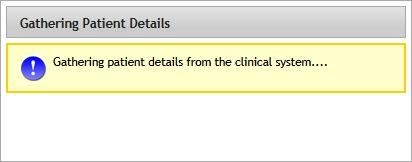
Once the patient's details have been found in Medicus, the following message will be displayed.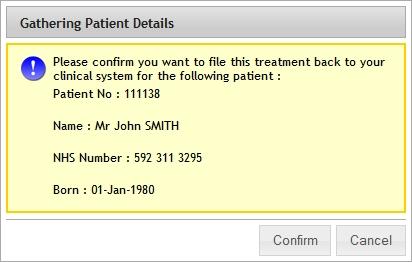
By clicking the 'Confirm' button, the following suggested treatment information will be saved in the patient's records in Medicus and INRstar:
- Date
- INR
- Suggested warfarin dose
- Omit days
- Review Period
- Next INR test date
- 12 month TTR
Clicking the 'Cancel' button will save the treatment only in the patient's record in INRstar and will not file it into Medicus.
Once saved, the user will be returned to the patient's treatments page and a success notification will be displayed at the bottom of the page.
